
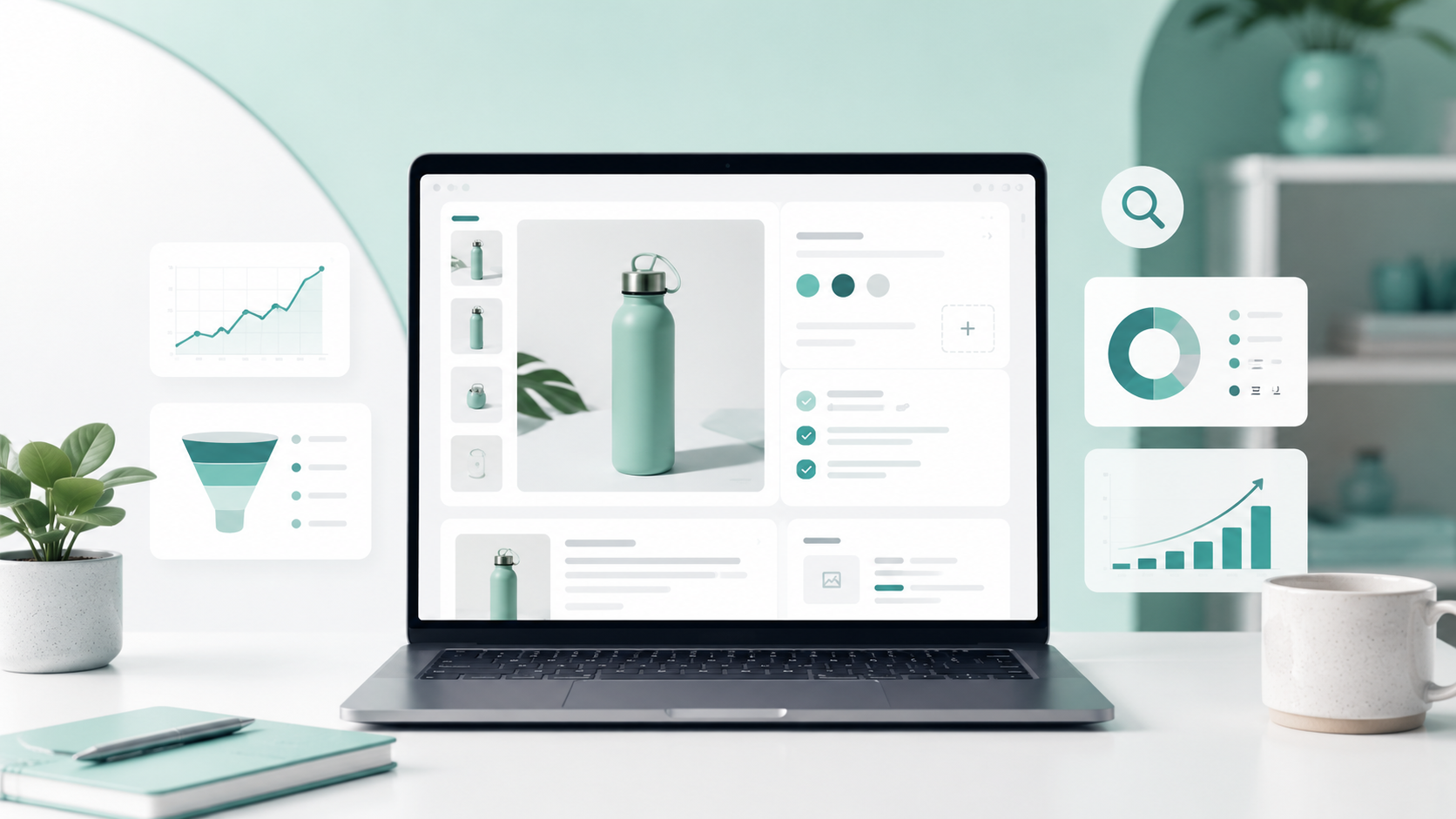
A Shopify product page has three important jobs. It needs to help the right shopper find the product, answer the questions holding that shopper back, and make purchasing feel like an easy next step.
Many stores focus almost entirely on appearance. They upload a few product images, copy a supplier description, add a price, and consider the listing finished. The page may look complete, but important details are often missing underneath: search intent, helpful product information, image optimization, accurate variant data, trust signals, internal links, and clear buying guidance.
After more than five years of managing Shopify stores and working on everything from individual listings to large ecommerce catalogs, I have learned that strong product pages are rarely created through one dramatic change. Results usually come from improving many small details and making sure they work together.
This Shopify product page optimization checklist covers the process I use to make product listings more useful for customers, easier for search engines to understand, and better prepared for AI-powered product discovery.
Quick answer: How do you optimize a Shopify product page?
To optimize a Shopify product page, use a clear keyword-focused title, write an original description, provide complete specifications, upload accurate product images, add descriptive alt text, organize variants correctly, improve mobile usability, include trust information, optimize the search engine listing, and confirm that structured product data is working properly.
Shopify product page optimization checklist
Why Shopify product page optimization matters
A product page sits at the meeting point between SEO, merchandising, customer experience, and conversion. Improving only one of those areas is not enough.
A page might rank for a keyword but still fail to convert because the product information is unclear. Another page might look beautiful but receive little organic traffic because the title, description, image text, and page structure do not explain what the product actually is.
Strong product page optimization creates alignment between four things:
What shoppers are searching for
What the product actually offers
What search and shopping systems can understand
What customers need before they feel comfortable buying
The goal is not to add as many keywords or page sections as possible. The goal is to create a complete, accurate, and useful product experience.
1. Understand the shopper’s search intent
Optimization should begin before you write the title or description. First, identify what a potential customer would search for when looking for that specific product.
Consider the product type, material, style, intended user, important feature, use case, and buying stage. A shopper searching for “necklace” is much less specific than someone searching for a “gold heart pendant necklace for everyday wear.”
Your primary keyword should accurately describe the product. It should not be chosen only because it appears to have high search volume. Ranking for an unrelated term brings the wrong visitor and creates a poor shopping experience.
I normally build the page around one clear primary phrase and a small number of closely related terms. These can then appear naturally in the product title, opening copy, specifications, image alt text, meta title, and internal links.
2. Write a clear and descriptive product title
The product title is usually the page’s H1, one of its most prominent SEO elements, and the first piece of information a shopper sees.
A useful title tells the customer what the item is without forcing them to study the images or description. Include meaningful details such as the product type, material, shape, style, model, or defining feature when those details influence the buying decision.
Weak title: Elisa
Clearer title: Elisa Gold Oval Pendant Necklace
Avoid filling the title with every possible keyword, promotional phrase, or variant name. Long titles become difficult to scan and can create problems when new colors or options are added later.
The best product title is descriptive enough to be understood but clean enough to remain readable.
3. Strengthen the opening product summary
The first few lines of the description should quickly explain what the product is, what makes it useful or appealing, and who it may suit.
Customers should not need to read several paragraphs before understanding the main value. This is particularly important on mobile devices, where only a small amount of content may appear before the shopper needs to scroll.
A strong opening summary can include:
The product’s defining characteristic
Its main practical or emotional benefit
The occasion, activity, or customer it suits
One important material or construction detail
Avoid generic openings such as “Introducing our amazing new product.” Begin with information that helps the customer understand the item.
4. Write an original, customer-focused description
Copying the manufacturer’s description may save time, but it rarely creates the strongest page. The same wording may already appear across many competing stores, and it may not match your brand voice or answer your customers’ real questions.
An optimized product description should explain both features and benefits.
A feature tells the customer what the product has. A benefit explains why that feature matters.
Feature: Adjustable chain length.
Benefit: The adjustable chain makes it easier to style the necklace with different necklines.
Descriptions should remain accurate. Do not invent materials, benefits, certifications, production methods, or care instructions to make the copy sound more persuasive.
For longer descriptions, use short paragraphs and helpful subheadings such as “Why You’ll Love It,” “Product Details,” “Materials,” “Sizing,” and “Care.” This makes the information easier to scan without turning the page into a wall of text.
5. Add complete product specifications
Detailed specifications are useful for customers, traditional search engines, AI shopping tools, customer support teams, and anyone comparing similar products.
Depending on the product, useful details may include:
Materials and finishes
Dimensions and weight
Fit or sizing information
Compatibility
What is included
Care instructions
Country of origin
Warranty information
Shipping limitations
Important safety or usage information
Shopify’s guidance for AI-ready product pages specifically recommends comprehensive specifications, technical information, material details, sizing information, care instructions, product attributes, and relevant comparisons.
Do not hide essential details inside an image. Important information should also be available as crawlable page text.
6. Organize product variants accurately
Variant errors can create customer confusion, fulfillment mistakes, incorrect images, and unreliable product data.
Make sure each option has a clear and consistent name. Check that the correct SKU, barcode, price, inventory quantity, image, and availability are attached to each variant.
Variant naming should also make sense to the customer. Internal supplier codes may be useful for store operations, but they should not replace understandable color, size, material, or style names on the storefront.
For visual products, assign the correct image to each variant whenever possible. A shopper selecting silver should not continue seeing the gold product as the primary image.
Before publishing, test every option from the storefront rather than relying only on the Shopify admin view.
7. Use accurate and useful product images
Product images should do more than make a page look attractive. They should help customers evaluate the item.
A complete image set may include:
A clean primary product image
Additional angles
Close-ups of important details
A scale or fit reference
A lifestyle image showing the product in use
Packaging or included accessories
Images for important variants
Accuracy matters more than decoration. Colors, proportions, textures, materials, labels, stones, patterns, and product features should match the item the customer will receive.
This is especially important when AI-generated product or lifestyle images are used. AI can help create a polished visual setting, but it should never quietly change the product itself. Every generated image needs to be compared carefully with the real reference product before publication.
8. Optimize product image filenames and alt text
Image optimization supports accessibility, image search, and clearer product information.
Rename image files before uploading them. A descriptive filename such as gold-oval-pendant-necklace-front.webp is more useful than IMG_4827.jpg.
Alt text should describe what is visibly shown in the image. It should not be a collection of keywords or promotional claims.
Useful alt text: Gold oval pendant necklace with a blue stone on an ivory linen background
Poor alt text: Best affordable luxury necklace jewelry gift buy online free shipping
When several images show the same item, make the descriptions specific to each view. Mention whether the image is a close-up, side view, model image, packaging shot, or variant image.
Shopify also recommends using readable, descriptive alt text that explains what appears in the image rather than what the seller wants customers to feel about it.
9. Answer questions and reduce uncertainty
Customers often leave a product page because they are uncertain, not because they dislike the product.
Common concerns include:
Will it fit?
Does the color look the same in person?
How long will delivery take?
Can it be returned?
What is the product made from?
Is it compatible with what I already own?
How should it be cleaned or stored?
Use sizing guides, care information, shipping details, return information, customer reviews, FAQs, and accurate images to answer these concerns before the shopper needs to contact support.
Trust does not come from filling the page with badges. It comes from giving customers clear information and following through on what the page promises.
10. Improve the buying experience
A well-optimized page should make the next action obvious.
On mobile and desktop, check that the product title, price, selected variant, availability, quantity control, and Add to Cart button are easy to locate and understand.
Avoid placing so many pop-ups, banners, countdowns, widgets, and promotional messages around the product that the customer loses focus.
Also check the page for practical conversion problems:
Does the selected variant appear clearly?
Are unavailable combinations disabled?
Does the price update correctly?
Is shipping information easy to find?
Are reviews readable on mobile?
Does the Add to Cart button work without delay?
Are payment options presented clearly?
Good conversion optimization often means removing confusion rather than adding more persuasion.
11. Optimize the search engine listing
Shopify allows you to edit the SEO title, meta description, and URL handle for a product. These fields should not be treated as an afterthought.
SEO title
Use the primary search phrase naturally and clearly communicate what the page offers. Keep the title concise enough to display cleanly in search results. Add the brand name when it improves recognition and there is sufficient space.
Meta description
Summarize the product and provide a useful reason to visit the page. A meta description is not simply a shorter version of the product description. It should be written for someone deciding which search result to click.
URL handle
Use a short, readable handle that describes the product. Avoid unnecessary numbers, dates, internal codes, and repeated words.
For a deeper explanation of SEO titles, read my complete Shopify meta title optimization guide.
12. Build relevant internal links
Internal links help customers discover related information and help search engines understand how pages on your store connect.
A product page can naturally link to:
Its main collection
A related buying guide
A sizing or care guide
Compatible products
A relevant comparison page
Frequently purchased accessories
Use descriptive link text. “View our gold pendant necklace collection” gives more context than “click here.”
Internal linking should be helpful rather than forced. Do not add unrelated links only because you want to send authority to another page.
13. Check product structured data
Product structured data helps search systems understand details such as the product name, price, availability, rating, brand, and variants. It can also make a product eligible for richer appearances across Google Search, Images, and Lens.
Many Shopify themes generate some product structured data automatically, but that does not guarantee it is complete or error-free. Theme customizations and apps can sometimes create missing, conflicting, or duplicated information.
Check important product URLs with Google’s Rich Results Test and review enhancement reports in Google Search Console. Make sure the information in the markup agrees with what customers see on the page.
Structured data should support accurate page content. It cannot replace missing descriptions, unclear product information, or weak images.
14. Prepare the product page for AI search and shopping assistants
AI search optimization does not require stuffing the page with awkward questions or creating separate content for every possible query.
Google’s current guidance says that traditional SEO fundamentals, helpful original content, crawlable pages, clear technical structure, and a good user experience remain central to visibility in generative search.
For Shopify product pages, this means providing information that a person or shopping assistant can confidently interpret:
A precise product name
A concise summary of the main benefit
Complete specifications
Materials, dimensions, sizing, and care
Clear variant and availability information
Useful product comparisons
Shipping and return information
Descriptive images and alt text
Consistent structured product data
Answers to common customer questions
Write the page for customers first. A complete, accurate page is easier for both humans and AI systems to understand.
You can review Shopify’s official guidance for optimizing stores for AI and Google’s generative AI search optimization guide for additional technical information.
15. Measure performance and continue improving
Product page optimization is not a one-time task. Search behavior changes, inventory changes, customer questions reveal missing information, and pages can develop technical issues after theme or app updates.
Monitor useful signals such as:
Organic impressions and clicks
Search result click-through rate
Product page engagement
Add-to-cart rate
Conversion rate
Customer support questions
Returns linked to unclear information
Out-of-stock and variant errors
Search Console indexing or structured data issues
A page with high impressions but few clicks may need a stronger SEO title or meta description. A page receiving traffic but few add-to-cart actions may need clearer images, better specifications, stronger trust information, or a more usable mobile layout.
Use the data to identify the actual weakness instead of rewriting everything without a clear reason.
Common Shopify product page mistakes
Copying supplier descriptions word for word
Using vague product titles
Adding keywords unnaturally
Publishing inaccurate AI-generated product images
Leaving images without descriptive alt text
Using the same image for visibly different variants
Hiding important details inside graphics
Leaving sizing, materials, or care information unclear
Creating duplicate or conflicting variant data
Overloading the page with sales pop-ups
Ignoring mobile usability
Assuming the theme’s structured data is automatically correct
Publishing the page without testing every option
My practical pre-publishing checklist
Before I consider a Shopify product listing complete, I check the following:
The title clearly identifies the product.
The description is original, accurate, and easy to scan.
Important specifications are included.
Prices, SKUs, inventory, and variants are correct.
Each image matches the actual product.
Variant images are assigned correctly.
Image filenames and alt text are descriptive.
The SEO title and meta description are unique.
The URL handle is clean and readable.
The page links to the correct collection.
Shipping, returns, sizing, and care information are accessible.
The page works properly on mobile.
The Add to Cart process has been tested.
Structured product data has no major errors.
The published storefront page has been reviewed one final time.
Frequently asked questions
What is Shopify product page optimization?
Shopify product page optimization is the process of improving a product listing so it is easier for shoppers to understand, easier for search systems to discover, and more effective at turning qualified visitors into customers. It includes content, images, SEO fields, product data, usability, trust information, and technical checks.
How long should a Shopify product description be?
There is no perfect word count for every product. The description should be long enough to answer important buying questions without adding filler. A simple product may need only a concise summary and specifications, while a technical, expensive, or unfamiliar product may require more detailed guidance.
How do I optimize a Shopify product page for AI search?
Provide clear product titles, complete specifications, accurate attributes, descriptive images, sizing and material information, care instructions, comparisons, FAQs, shipping details, and consistent structured data. Focus on complete and useful information rather than special AI-search tricks.
Does image alt text help Shopify SEO?
Descriptive alt text helps search engines understand an image and improves accessibility for customers using screen readers. It should accurately describe what appears in the image and should not be filled with repetitive keywords.
How often should Shopify product pages be updated?
Review important product pages whenever pricing, inventory, variants, specifications, policies, or customer questions change. High-traffic pages should also be checked periodically for SEO performance, mobile usability, broken elements, and outdated information.
Should every product have a unique description?
Yes. Each product should have original content that accurately reflects its features, benefits, specifications, and intended customer. Closely related variants can share parts of a description, but the page should not simply copy text from manufacturers or competing stores.
Final thoughts
A strong Shopify product page is not just a product title, photo, price, and Add to Cart button. It is a complete source of information that helps the right customer discover the item, understand it, trust it, and confidently decide whether it is right for them.
The most effective optimization work is usually not flashy. It comes from accurate data, thoughtful descriptions, useful imagery, clear organization, careful SEO, and consistent quality control.
When those details are handled properly across an entire catalog, the store becomes easier to search, easier to shop, and easier to manage.
Need help optimizing your Shopify product pages?
help Shopify store owners create, organize, and optimize product listings with accurate product data, customer-focused descriptions, SEO metadata, variant management, image optimization, alt text, and detailed quality checks.
Get in Touch